Component test
Text section
Privacy that fits into your day
Separate identities for shopping, selling, dating and everything in between.
Each Sudo has its own phone number, email and browser, so the details you share stay apart from the ones you keep. Read how it works (opens in a new tab).
Set one up for each part of your life, then delete it when you're done. Nothing you do in one Sudo shows up in another.
Getting started
Download MySudo, pick a plan and create your first Sudo in under a minute.
Full width, left-aligned
The heading, subheading and body run across the whole page column instead of stopping at a readable width.
Use full width for short copy that should line up with wide sections around it. Long paragraphs at this width are harder to read, because the eye has further to travel back to the start of each line.
Full width, centered
Centered copy at full width spreads across the page column, so it works best for a sentence or two. The same copy at the readable width wraps into a narrower, centered block.
One app, every identity
Keep your personal details out of the places that don't need them.
Create up to nine Sudos, each with its own number and inbox. Switch between them in a tap.
What's in every Sudo
Every Sudo comes with the tools you need to keep your identity private:
- A phone number for calls and texts
- An email address for sign-ups and receipts
- A private browser that blocks ads and trackers
Spam stays in one place and out of my real inbox.
This section has body copy only, with no heading or subheading, to show the body starts at the top of the section.
It sits on the brand background, so the text and links switch to their light colors.
Lined up with copy on the left
On screens 1024px and wider, this heading starts where the Product Highlight's copy starts.
MySudo
Protect your privacy and identity with Sudo credentials
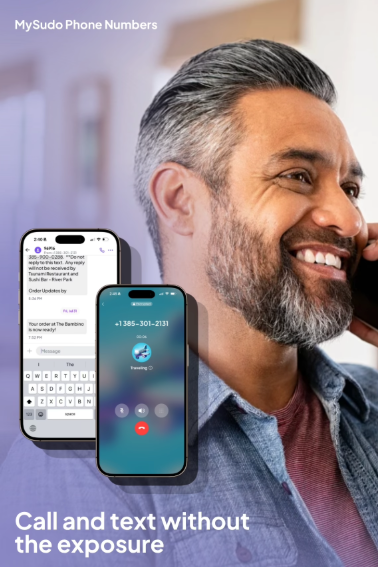
Our core privacy app empowers you to have a choice of what information you share. With MySudo you can find your data exposure and create new secure digital identities that allow you to call, text, email, browse, and pay privately.
Lined up with copy on the right
On screens 1024px and wider, this heading starts where the Product Highlight's copy starts.
Sudo VPN
Browse privately on every device
Encrypt your connection and hide your location with one tap. No logs, no tracking, and no account details to give away.